Get Audit-Ready in Weeks.
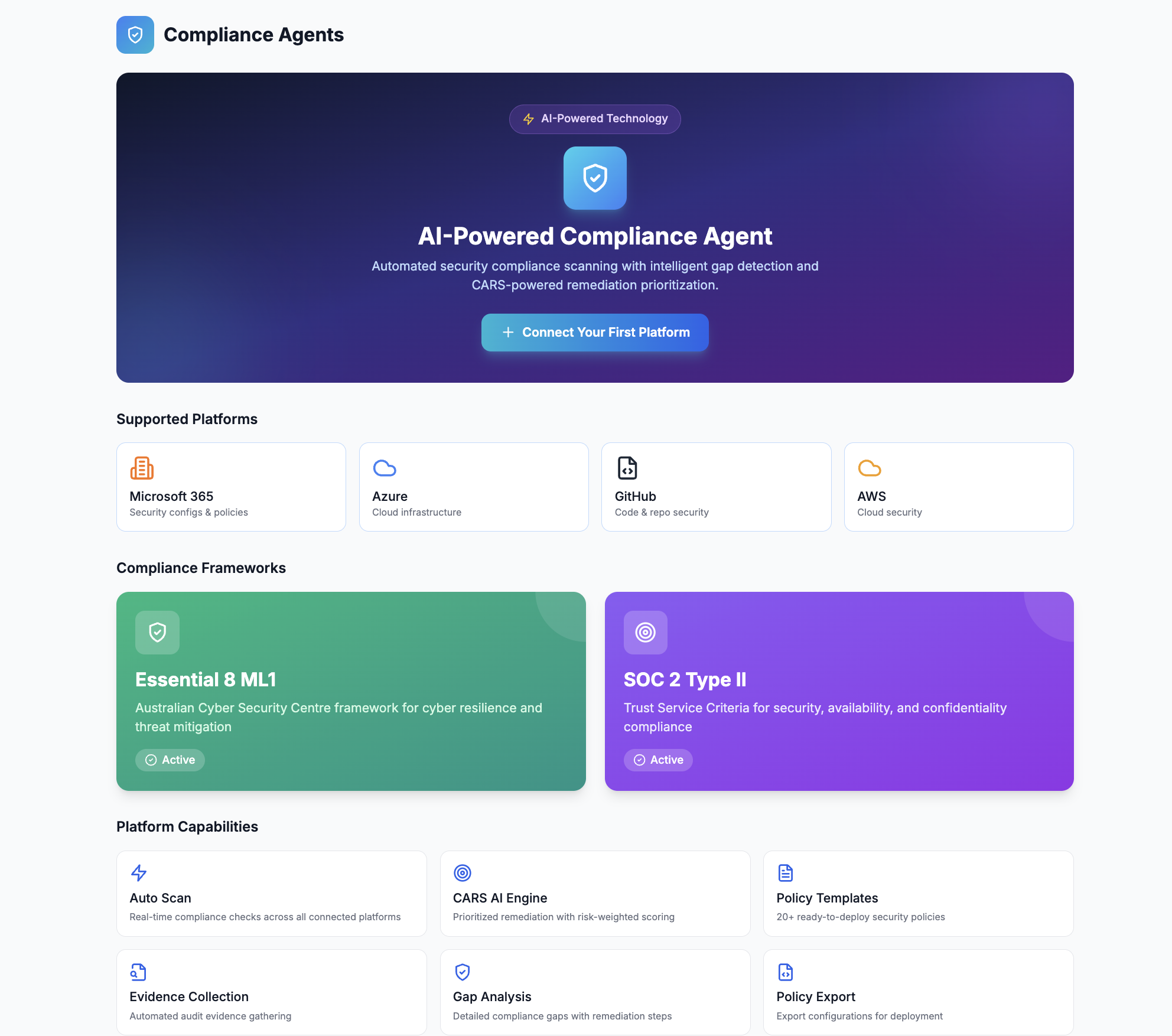
CYBERWHITE doesn't just find compliance gaps. It deploys the fix. Scan your M365 tenant. Push verified policies for Essential 8 and SMB1001 with snapshot, deploy, verify, and one-click rollback.
Plus SOC 2, NIST CSF & NIST AI RMF assessment, CARS prioritisation & evidence collection. Built in Australia. Works with any auditor.
Cancel anytime · No contract · Australian-owned
Manual Essential 8 and SMB1001 assessment takes hours per client. CYBERWHITE takes minutes.
Assessing one client manually means logging into admin portals, comparing each configuration against the framework, recording the gaps, and capturing evidence. CYBERWHITE automates that assessment step. See what the assessment costs today, and what automation gives back.
MSP details
Drag any slider. Results update live.
107 control checks at this level
How this is calculated. We estimate 25 to 35 minutes to manually assess and evidence each control (admin portal check, comparison against the framework, recording the gap, capturing evidence). This is our estimate, not an official figure, so adjust it to your own experience. It covers the assessment step only. CYBERWHITE's automated scan completes in roughly 5 to 10 minutes per tenant. Remediation and policy deployment are separate work, with or without CYBERWHITE, and are not counted here. An assessment cycle is one full round of assessing every client; most MSPs run one each quarter.
Per client. Essential 8 ML2. Manual assessment.
Total assessment hours across 100 clients
Time to assess every client manually
Assessment time saved with CYBERWHITE
A cycle is one full round of assessing every client (most MSPs run one each quarter). Assessment and evidence-gathering only. Remediation is separate work, with or without CYBERWHITE.
Why 25 to 35 minutes per control? Our assessment-time methodology
This calculator estimates the time to manually assess and evidence one control, not to fix it. Assessing a single control properly usually means:
- Opening the relevant admin portal or console
- Finding the setting and comparing it against the framework requirement
- Deciding whether it is compliant, partial, or a gap
- Recording the finding
- Capturing evidence (a screenshot or configuration export) for the audit trail
Done thoroughly, that is 25 to 35 minutes per control for most teams, with a 30-minute midpoint. Experienced engineers batching similar controls across tenants may be faster. Complex or evidence-heavy controls take longer. That is why we show a range and let you adjust every input to your own numbers.
The per-control time is our own estimate, not a government statistic. The control counts are real platform figures: Essential 8 ML1 (48) and ML2 (107) checks, and SMB1001 cumulative tiers from Bronze (7) to Diamond (39). Remediation is separate work and is not included.
SMB1001 Licensed
Commercial license holder
Cloud Platform Integrations


Australian Owned & Operated
Security-first approach
Why Choose Our Compliance Platform
Run repeatable assessments and generate structured outputs your team can act on.
Stop Guessing Your E8 Score
Connect your M365 tenant and get an instant Essential 8 ML1 assessment. No more spreadsheets. See exactly where you stand in minutes.
One Scan, Every Framework
A single M365 connection feeds Essential 8, SOC 2, SMB1001 and NIST assessments. Stop running separate audits for each framework.
Know What to Fix First
AI-prioritised remediation tells you exactly which gaps to close first for maximum risk reduction. No more guessing where to start.
Evidence Your Auditor Accepts
Generate audit-ready reports and evidence packages that work with any auditor. No vendor lock-in, no reformatting.
Weeks, Not Months
Traditional E8 consulting takes 3-6 months and costs $30K+. Get the same outcome in weeks with automated scans and AI-guided remediation.
Win Deals You're Losing Today
Government contracts require Essential 8. Enterprise buyers demand SOC 2. Show compliance evidence in your next sales meeting instead of losing deals while you prepare.
Built for Your Industry
Whether you need Essential 8 for government contracts or SOC 2 for enterprise sales, we've got you covered.
For Australian Businesses
Clear Security Roadmap in Minutes
Algorithm-driven recommendations tailored to your business. Address high-impact issues first.
Achieve Compliance Without the Hassle
Streamline SMB1001 and Essential 8 assessments. Get certification-ready with clear gap analysis.
CARS-Powered Insights
Our algorithm analyzes your M365 setup to deliver prioritized actions that boost maturity.
Training & Implementation Support
Step-by-step E8 + SMB1001 implementation guides. Train your team in days, not weeks.
For SaaS Companies
SOC 2 Readiness in Weeks
Guided SOC 2 assessment with automated evidence collection. Get audit-ready before your next enterprise deal.
Close Enterprise Deals Faster
Enterprise buyers require SOC 2 evidence. Show compliance progress in your first sales meeting, not after months of prep.
No Compliance Staff Required
AI-guided assessments mean your engineering team can drive compliance without hiring a dedicated GRC person.
Multi-Cloud Evidence Collection
Pull evidence from M365, Azure, AWS & GitHub automatically. One platform for all your cloud compliance needs.
Frequently Asked Questions
What happens after I sign up?
You can connect your Microsoft 365 tenant immediately and run your first Essential 8 ML1 scan within minutes. For SOC 2, you'll start with our guided readiness assessment. No lengthy onboarding. Connect, scan, get guidance.
Is my data secure?
Yes. We use read-only M365 access with least-privilege permissions. Your data is protected with AES-256 encryption and multi-tenant isolation. We never store your passwords or sensitive credentials. M365 scanning is read-only by default, write access is requested separately and only when you explicitly approve an AutoFix deployment.
What frameworks do you support?
Essential 8 (ML1-ML3), SMB1001, NIST CSF 2.0, ISO 27001 mapping, SOC 2 Trust Services Criteria, NIST AI RMF, and Microsoft 365 Security Score integration. Our CARS algorithm provides cross-framework intelligence from a single scan.
Can I use CYBERWHITE on my own or with a consultant?
Both. Businesses can run assessments directly and get guided remediation without needing external help. Consultants and MSPs use CYBERWHITE to deliver faster, more consistent results across their client base, automating the repetitive work so they can focus on strategic advice. Either way, you get audit-ready faster.
Do you support MSPs and consultants?
Yes. If you manage compliance for multiple clients, we offer multi-tenant management with individual client portals. Visit our MSP solutions page or contact us for partner pricing.
Can I try before I commit?
Yes. Start with our free Essential 8 Maturity Assessment to see where your organisation stands. When you're ready, contact us for a demo and we'll walk you through the platform with your specific use case.
Founding Program
We're working with a small group of Australian businesses to shape the future of automated compliance.
Direct founder access
Hands-on onboarding, not a support ticket queue
Priority feature input
Your compliance challenges shape our roadmap
Locked-in pricing
Your rate stays fixed for 12 months, even as we scale
For Australian businesses using Microsoft 365. MSPs and consultants, ask about partner pricing.